

Getting Started
Getting started with InfraMap is quick and easy. Create your account to begin mapping and visualizing your cloud infrastructure.Authentication Methods
Google Authentication
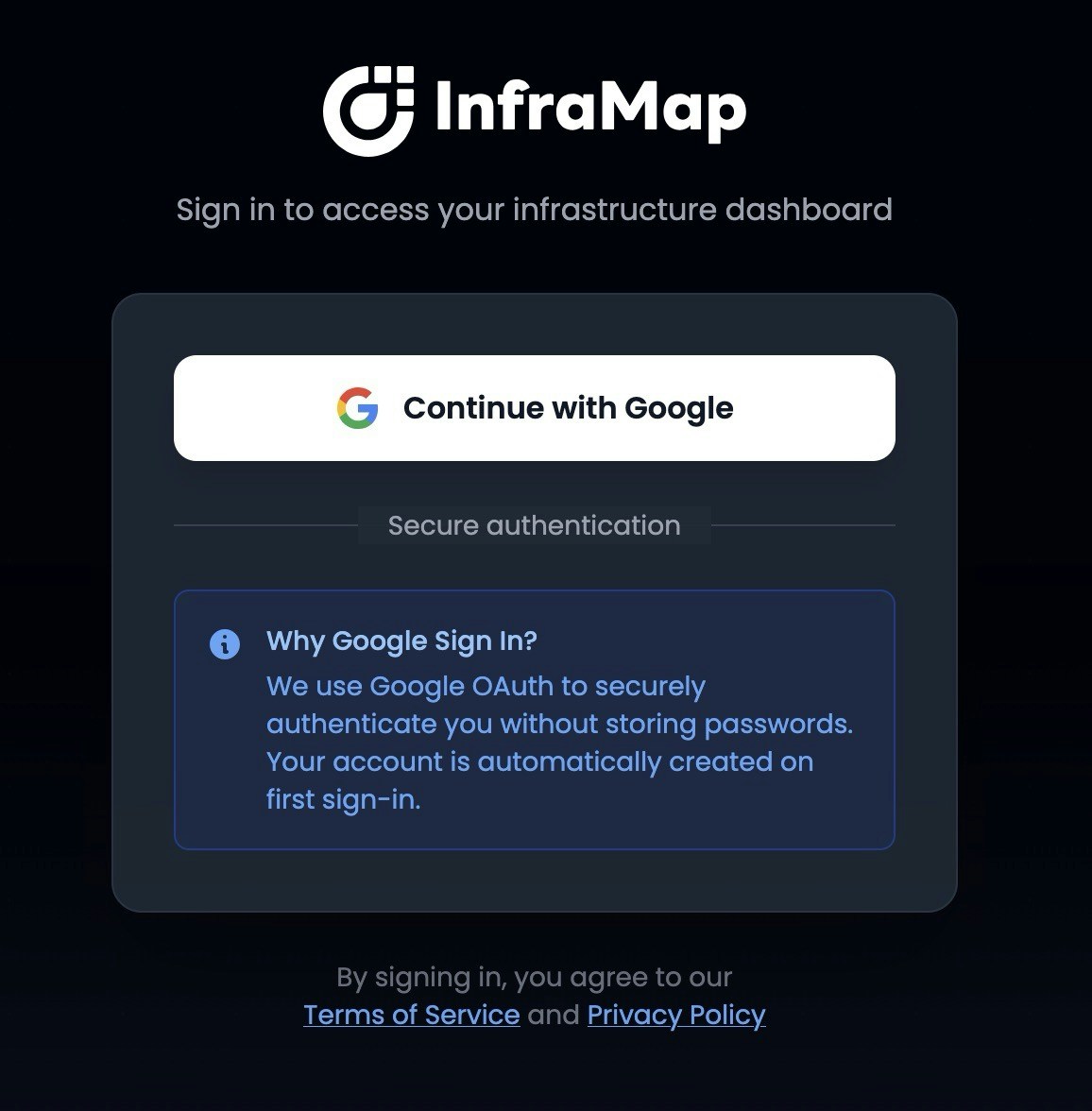
Additional authentication methods are coming soon. We’re working on supporting more sign-in options to give you flexibility in how you access your account.
Privacy & Security
No Credentials Stored
InfraMap never stores your AWS credentials. When you connect your AWS account, InfraMap uses a read-only cross-account IAM role that you configure in your AWS account. Your credentials remain secure in your own AWS environment.Account & Data Deletion
You have complete control over your data. You can delete your account and all associated data at any time directly from your account settings. When you delete your account:- All your infrastructure maps are permanently removed
- All scan history and data are deleted
- Your account information is completely removed from our systems
Next Steps
Once you’ve signed up, you can:- Connect your AWS account to start mapping your infrastructure
- Choose a plan that fits your needs
- Explore your infrastructure map to see your resources visualized