> ## Documentation Index
> Fetch the complete documentation index at: https://docs.inframap.cloud/llms.txt
> Use this file to discover all available pages before exploring further.
# Signing Up
> Create your InfraMap account using Google authentication. Additional signup methods coming soon.
# Getting Started
Getting started with InfraMap is quick and easy. Create your account to begin mapping and visualizing your cloud infrastructure.
## Authentication Methods
### Google Authentication
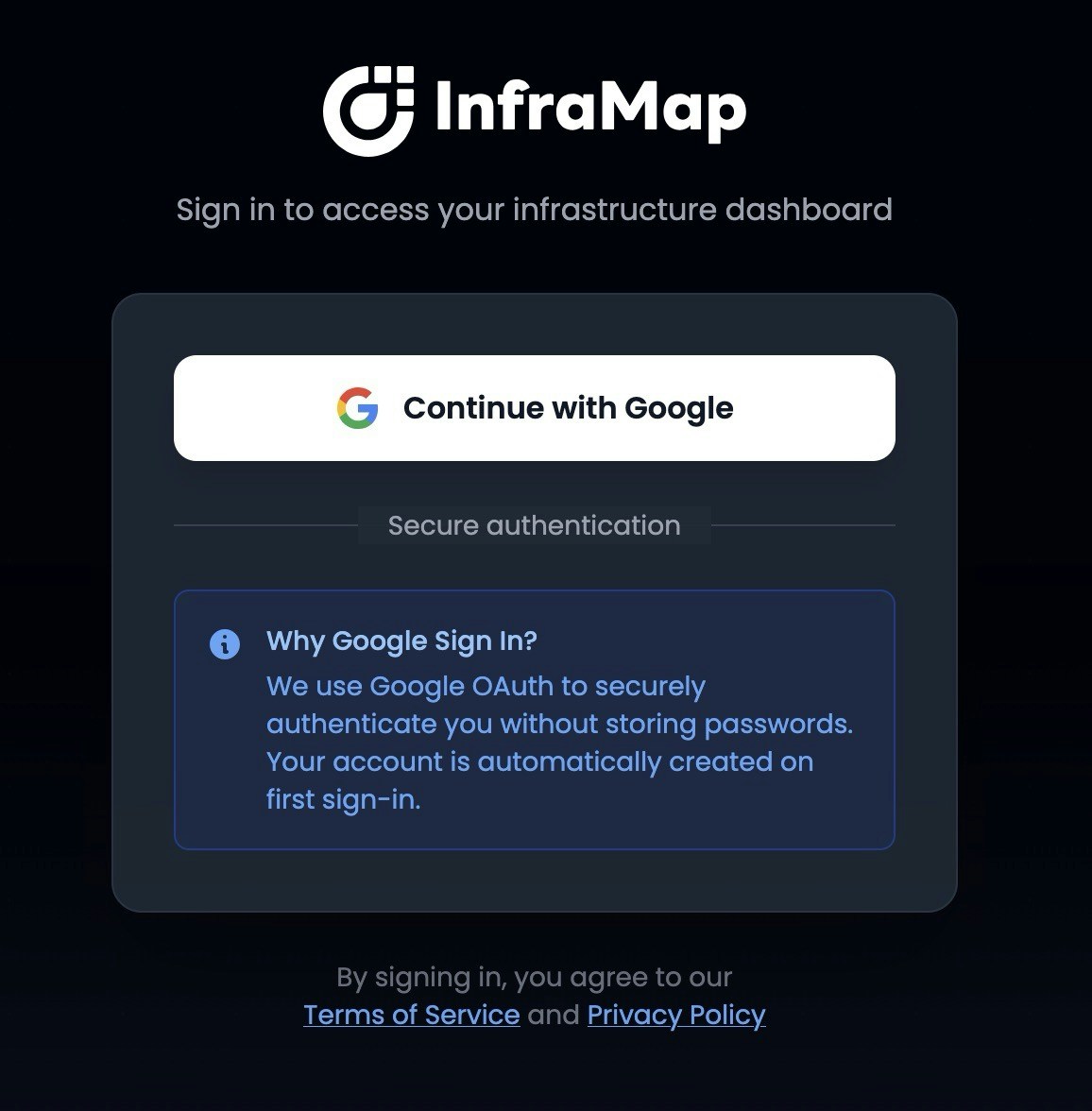 Currently, InfraMap supports **Google authentication** for signing up and logging in. Simply click the "Sign in with Google" button to get started.
Additional authentication methods are coming soon. We're working on supporting more sign-in options to give you flexibility in how you access your account.
## Privacy & Security
### No Credentials Stored
InfraMap **never stores your AWS credentials**. When you [connect your AWS account](/getting-started/connection), InfraMap uses a read-only cross-account IAM role that you configure in your AWS account. Your credentials remain secure in your own AWS environment.
### Account & Data Deletion
You have complete control over your data. You can **delete your account and all associated data at any time** directly from your account settings. When you delete your account:
* All your infrastructure maps are permanently removed
* All scan history and data are deleted
* Your account information is completely removed from our systems
This process is immediate and irreversible, so please ensure you want to delete your account before proceeding.
## Next Steps
Once you've signed up, you can:
1. [Connect your AWS account](/getting-started/connection) to start mapping your infrastructure
2. [Choose a plan](/getting-started/plans) that fits your needs
3. [Explore your infrastructure map](/features/maps) to see your resources visualized
Currently, InfraMap supports **Google authentication** for signing up and logging in. Simply click the "Sign in with Google" button to get started.
Additional authentication methods are coming soon. We're working on supporting more sign-in options to give you flexibility in how you access your account.
## Privacy & Security
### No Credentials Stored
InfraMap **never stores your AWS credentials**. When you [connect your AWS account](/getting-started/connection), InfraMap uses a read-only cross-account IAM role that you configure in your AWS account. Your credentials remain secure in your own AWS environment.
### Account & Data Deletion
You have complete control over your data. You can **delete your account and all associated data at any time** directly from your account settings. When you delete your account:
* All your infrastructure maps are permanently removed
* All scan history and data are deleted
* Your account information is completely removed from our systems
This process is immediate and irreversible, so please ensure you want to delete your account before proceeding.
## Next Steps
Once you've signed up, you can:
1. [Connect your AWS account](/getting-started/connection) to start mapping your infrastructure
2. [Choose a plan](/getting-started/plans) that fits your needs
3. [Explore your infrastructure map](/features/maps) to see your resources visualized